Safety doesn't happen by accident—it’s driven by routine, awareness, and communication. On construction sites, industrial facilities, and field operations, one of the most effective tools for reinforcing safety isn’t a piece of equipment or a software platform. It’s a simple but powerful concept: the toolbox talk box.
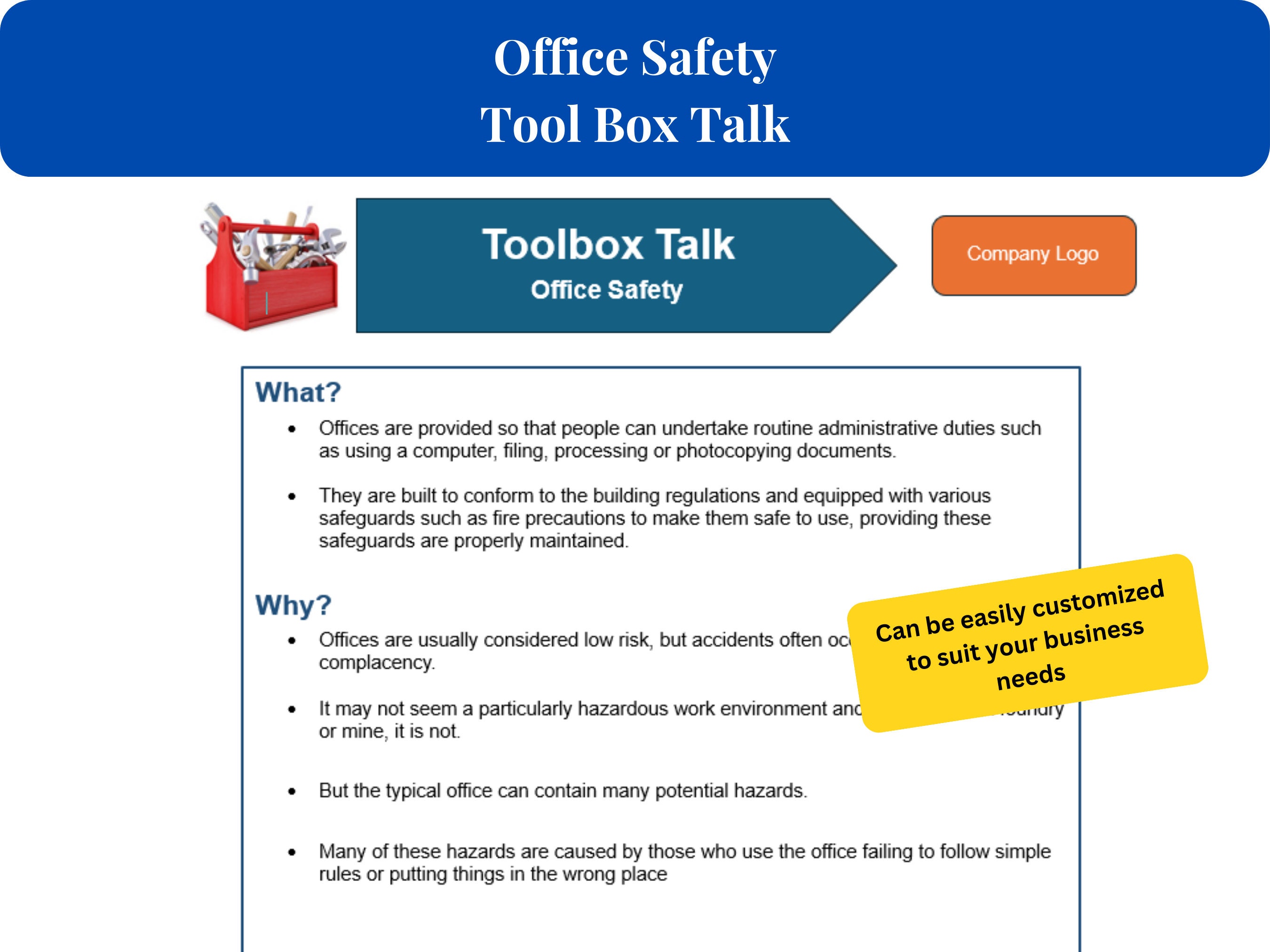
A toolbox talk box isn’t a physical container filled with tools. Instead, it refers to a curated system—sometimes digital, sometimes physical—used to organize, deliver, and track daily safety discussions known as toolbox talks. These short, focused meetings engage teams before work begins, addressing specific hazards, procedures, or safety reminders relevant to that day’s tasks.
Yet despite their widespread use, many organizations treat toolbox talks as a compliance checkbox rather than a strategic safety lever. The result? Disengaged teams, recurring incidents, and missed opportunities to build a culture of accountability. The real power of a toolbox talk box lies not in its format, but in how it’s implemented—consistently, contextually, and conversationally.
This guide breaks down what a toolbox talk box truly is, how it functions in real-world settings, and how to structure one that drives behavioral change—not just signatures on a form.
Understanding the Purpose of a Toolbox Talk Box
At its core, a toolbox talk box exists to streamline safety communication. But "streamline" doesn’t mean “simplify into irrelevance.” It means delivering the right message, to the right people, at the right time—with consistency.
Think of a high-traffic job site where crews rotate daily, equipment changes, and weather impacts operations. Without a centralized system to organize safety discussions, critical information slips through the cracks. A worker may not know about a new overhead crane operation, or a ground crew might overlook a recent near-miss involving trench shoring.
A well-managed toolbox talk box solves this by:
- Centralizing topics: Ensuring no critical safety issue is overlooked over time.
- Providing structure: Offering templates, prompts, and documentation methods.
- Encouraging accountability: Creating a record of attendance and discussion.
- Supporting compliance: Meeting OSHA, HSE, or other regulatory requirements.
It’s not about volume—it’s about relevance. A 5-minute talk on proper ladder use before a roofing crew begins work is infinitely more valuable than a generic 15-minute lecture on PPE compliance delivered weekly.
How a Toolbox Talk Box Works in Practice
In the field, a toolbox talk box can take many forms. Some companies use a literal physical box—a folder binder stored in a jobsite trailer, filled with laminated discussion guides, sign-in sheets, and hazard illustrations. Others use digital platforms where supervisors pull up a topic on a tablet, deliver the talk, and log attendance with a tap.
Regardless of format, the workflow follows a consistent pattern:
- Select a relevant topic (e.g., working at height, electrical hazards, weather-specific risks).
- Gather the team in a quiet, visible area before work begins.
- Deliver the talk conversationally—not as a lecture, but as a dialogue.
- Encourage participation—ask workers what they’ve seen, what concerns them.
- Document attendance and key points for records and follow-up.
For example, imagine a team preparing to perform hot work in a confined space. The supervisor pulls the “Welding in Confined Spaces” card from the toolbox talk box. It includes:
- A brief hazard summary (toxic fumes, fire risk, limited egress).
- Required controls (gas testing, ventilation, fire watch).
- Discussion prompts (“What’s the biggest risk here?”, “How do we verify air quality?”).
- A sign-in sheet with space for names, roles, and initials.
This isn’t just information delivery—it’s engagement. Workers are more likely to remember and act on safety rules when they’ve verbally acknowledged them.
Common Mistakes That Undermine Effectiveness
Even with a toolbox talk box in place, many programs fail to generate real impact. Here are the most common pitfalls:
1. Repetition Without Relevance
Using the same 10 topics on rotation, regardless of current tasks, leads to tuning out. If crews are working on scaffolding but get a talk on forklift safety, engagement plummets.
2. Monologue Instead of Dialogue Supervisors who read from a script without inviting input turn safety talks into passive events. The goal isn’t recitation—it’s participation.
3. Poor Documentation Failing to maintain records—or falsifying attendance—undermines compliance and accountability. Digital tools help, but only if used correctly.
4. Lack of Follow-Up Discussing a hazard is meaningless if no action is taken. If workers raise concerns about faulty fall protection, but nothing changes, future talks lose credibility.
5. One-Size-Fits-All Approach A talk designed for electricians won’t resonate with crane operators. Tailoring content to roles and risks is essential.
Avoiding these mistakes requires intention. A toolbox talk box isn’t a magic fix—it’s a framework that only works when paired with leadership, consistency, and authenticity.
Digital vs. Physical Toolbox Talk Boxes: Pros and Cons
As technology advances, many organizations are shifting from paper-based systems to digital platforms. But the best choice depends on the work environment, team size, and safety maturity.
| Factor | Physical Toolbox Talk Box | Digital Toolbox Talk Box |
|---|---|---|
| Accessibility | Always available, no internet needed | Requires devices and connectivity |
| Customization | Limited to printed materials | Easily updated, multimedia support |
| Record-Keeping | Manual filing, prone to loss | Automatic cloud storage, searchable logs |
| Engagement Tools | Static content | Videos, quizzes, interactive prompts |
| Scalability | Hard to manage across multiple sites | Centralized control for enterprise use |
| Cost | Low initial cost, high long-term labor cost | Higher upfront cost, lower administrative burden |
For remote or low-connectivity sites, a well-organized binder system with color-coded tabs and laminated sheets may be more practical. For large contractors managing dozens of crews, digital platforms like SafetyCulture or Procore offer real-time visibility and analytics.
The key is alignment: match the tool to the team’s reality.
5 Effective Toolbox Talk Box Solutions for 2024
Whether you're building from scratch or upgrading an outdated system, consider these five proven options—spanning physical and digital formats.
1. SafetyCulture (iAuditor) A leading mobile platform that turns toolbox talks into interactive digital checklists. Supervisors select topics, conduct discussions on tablets, and instantly generate reports. Includes library of 100+ pre-built safety talks.
- Pros: Cloud-based, real-time analytics, integrates with other safety modules
- Cons: Subscription cost, learning curve for non-tech users
- Best for: Large contractors, safety managers needing data insights
2. SiteDocs Designed for heavy industries, SiteDocs offers customizable toolbox talk templates with offline functionality. Talks are tied to site-specific hazards and can be assigned to crews automatically.
- Pros: Strong offline support, version control, audit-ready records
- Cons: Requires admin setup, limited free tier
- Best for: Mining, oil & gas, industrial maintenance
3. The OSHA Toolbox Talk Binder (Printable Kit) A budget-friendly physical system featuring 52 weekly topics, sign-in sheets, and facilitator guides. Ideal for small teams without digital infrastructure.
- Pros: No tech required, OSHA-aligned, easy to use
- Cons: Static content, no tracking or reporting
- Best for: Small contractors, family-run crews
4. Procore Safety Center Integrated within the Procore construction management platform, this tool links toolbox talks to daily logs, punch lists, and incident reports.
- Pros: Seamless workflow integration, automatic notifications
- Cons: Only valuable if already using Procore
- Best for: Mid-to-large construction firms using Procore
![How to Lead a Work Area Housekeeping Toolbox Talk [+ Template]](https://cdn.prod.website-files.com/62294553e9aeea20d15d7bc2/63f784ce55a35a80a1ec43f1_1.webp)
5. SafetyMate Toolbox Talks (PDF Library) A downloadable library of 100+ customizable talks in PDF format. Users print, modify, and use with physical sign-in sheets.
- Pros: One-time purchase, easy to adapt, no recurring fees
- Cons: Manual tracking, no automation
- Best for: Companies wanting control over content without subscriptions
Each of these options supports the core function of a toolbox talk box—delivering timely, targeted safety conversations. The right choice depends on your operational scale, technical capacity, and budget.
Building a Culture, Not Just a Checklist
A toolbox talk box is only as effective as the culture surrounding it. In safety-leading organizations, these talks aren’t seen as interruptions—they’re expected, respected, and often initiated by workers themselves.
Consider this real-world case: a pipeline construction crew in Alberta adopted peer-led toolbox talks. Instead of supervisors always leading, team members took turns selecting topics and facilitating discussions. Within three months, near-miss reporting increased by 40%, and crew members began calling out unsafe acts without fear of backlash.
That shift didn’t come from the content of the talks—it came from the culture they fostered.
To achieve similar results:
- Rotate facilitators to build ownership.
- Link talks to real incidents—discuss what happened locally or industry-wide.
- Reward participation, not just attendance.
- Review past talks periodically to reinforce learning.
- Act on feedback—if workers suggest better guardrails, install them.
When a worker says, “We talked about this yesterday,” after avoiding an injury, you know the system is working.
Practical Tips for Maximizing Impact
Even with the right tools, success depends on execution. Apply these field-tested strategies:
- Keep it short: 5–10 minutes is ideal. Respect workers’ time.
- Be specific: “Today we’re using extension ladders on uneven ground—here’s how we level and secure them.”
- Use visuals: Photos, diagrams, or actual equipment improve retention.
- Rotate topics monthly: Maintain a 12-month calendar covering all key hazards.
- Include multilingual support: If crews speak different languages, provide translated summaries.
- Audit randomly: Managers should observe talks to ensure quality, not just compliance.
One electrical contractor reduced arc flash incidents by 60% after introducing visual aids and role-playing scenarios during talks. Workers weren’t just hearing—they were seeing and doing.
Closing: Make Safety a Conversation, Not a Lecture
A toolbox talk box is more than a repository of safety topics—it’s a catalyst for daily awareness, team alignment, and proactive risk management. When used with purpose, it transforms routine briefings into moments of real influence.
Don’t just distribute topics. Facilitate discussions. Don’t just collect signatures. Listen to concerns. Don’t just check a box. Build a culture where safety is spoken, not just posted.
Start tomorrow: pick one upcoming task, identify its top hazard, and design a 7-minute talk around it. Use a physical card, a digital prompt, or a blank notepad—format doesn’t matter as much as frequency and authenticity.
The best toolbox talk box isn’t the fanciest one. It’s the one that gets opened every day.
How often should toolbox talks be held? Ideally, daily or before starting high-risk tasks. Weekly minimum for low-risk environments.
Can toolbox talks be conducted remotely? Yes—via video calls for remote teams, but in-person is preferred for hands-on crews.
Who should lead a toolbox talk? Supervisors typically lead, but rotating among team members increases engagement.
Are toolbox talk records required by OSHA? While OSHA doesn’t mandate documentation, it strongly recommends it for compliance and incident defense.
What makes a good toolbox talk topic? Relevance to current work, clarity, actionable takeaways, and alignment with site-specific risks.
Should toolbox talks be the same across all sites? No—customize based on local hazards, crew experience, and project phase.
Can toolbox talks reduce insurance premiums? Yes—insurers often reward documented safety programs with lower rates.
FAQ
What should you look for in What Is a Toolbox Talk Box and How to Use It Effectively? Focus on relevance, practical value, and how well the solution matches real user intent.
Is What Is a Toolbox Talk Box and How to Use It Effectively suitable for beginners? That depends on the workflow, but a clear step-by-step approach usually makes it easier to start.
How do you compare options around What Is a Toolbox Talk Box and How to Use It Effectively? Compare features, trust signals, limitations, pricing, and ease of implementation.
What mistakes should you avoid? Avoid generic choices, weak validation, and decisions based only on marketing claims.
What is the next best step? Shortlist the most relevant options, validate them quickly, and refine from real-world results.


:max_bytes(150000):strip_icc():focal(728x275:730x277)/princess-catherine-prince-william-donald-trump-king-charles-iii-trump-state-visit-uk-windsor-091725-8672599a27214b6f8ffdbb07fd7596e4.jpg)